
Bhavyasri Guruvu
Content Writer. Flexprice
Every SaaS company hits the same wall. The first 10 customers are easy; you send invoices manually, chase failed payments by email, and update plans on request. Then 100 customers become 1,000, and the spreadsheet you started with quietly stops scaling.
Subscription management is where recurring revenue either runs itself or breaks your team. The right tool handles plans, sign-ups, billing cycles, invoicing, dunning, renewals, upgrades, and entitlements without a developer touching any of it. The wrong one buries you in manual work, missed renewals, and angry customer emails at month's end.
Picking the right one matters more in 2026 because pricing has gotten messier. Flat, tiered, usage, credits, and hybrid plans all live side by side now. This guide compares the four best subscription management tools for SaaS in 2026, with features, pricing, pros, and cons.
So let's break it down.
Note: This guide is not biased toward any single platform. We’ve included pros and cons based on product research and verified user feedback, so you can make an informed decision.
TL;DR
Here is the short version if you are scanning.
Flexprice: Best overall for AI, API, and usage-based SaaS. Real-time metering, credit wallets, and hybrid pricing all live in one platform, with both open source and managed cloud options, so you switch as you grow.
Kill Bill: Best for teams that want fully self-hosted billing with no per-transaction fees. Battle-tested at Fortune 500 scale, with a catalog-driven engine and plugin architecture built for complex enterprise billing.
Lago: Best for mid-market SaaS teams running usage-based pricing with a managed cloud option. Clean developer UX, REST API, and payment-agnostic integrations, though deeper credit and hybrid logic are still maturing.
OpenMeter (now Kong Metering & Billing): Best for engineering teams that need a lightweight metering layer. Real-time event ingestion in CloudEvents format with SDKs for Node.js, Python, and Go, designed to plug into your existing billing stack.
What is a subscription management tool?
A subscription management tool runs your recurring revenue end-to-end. It handles plans, sign-ups, billing cycles, invoicing, payments, dunning, and renewals. Modern tools also track usage, manage credit wallets, enforce feature entitlements, and report on revenue health.
This is different from a payment processor like Stripe Payments. Payment processors move money, but subscription management tools decide what to charge each customer, when to charge it, and what they get access to inside your product.
If you want the bigger picture before you dive in, read our complete subscription management guide.
The 4 best subscription management tools in 2026
Tool | Best For | Deployment | Pricing Models | Starting Price |
Flexprice | AI, API, usage-based SaaS | Cloud + Self-hosted | Subscription, usage, credit, hybrid | Free (100k events/mo) |
Kill Bill | Enterprises | Self-hosted | Subscription, usage, hybrid, multi-tenant | Free (self-host) |
Lago | Mid-market SaaS | Cloud + Self-hosted | Subscription, usage, hybrid | Free or $0/mo Cloud Starter |
OpenMeter | Lightweight metering | Cloud (Kong) + Self-hosted | Metering only | Free (self-host) |
1. Flexprice
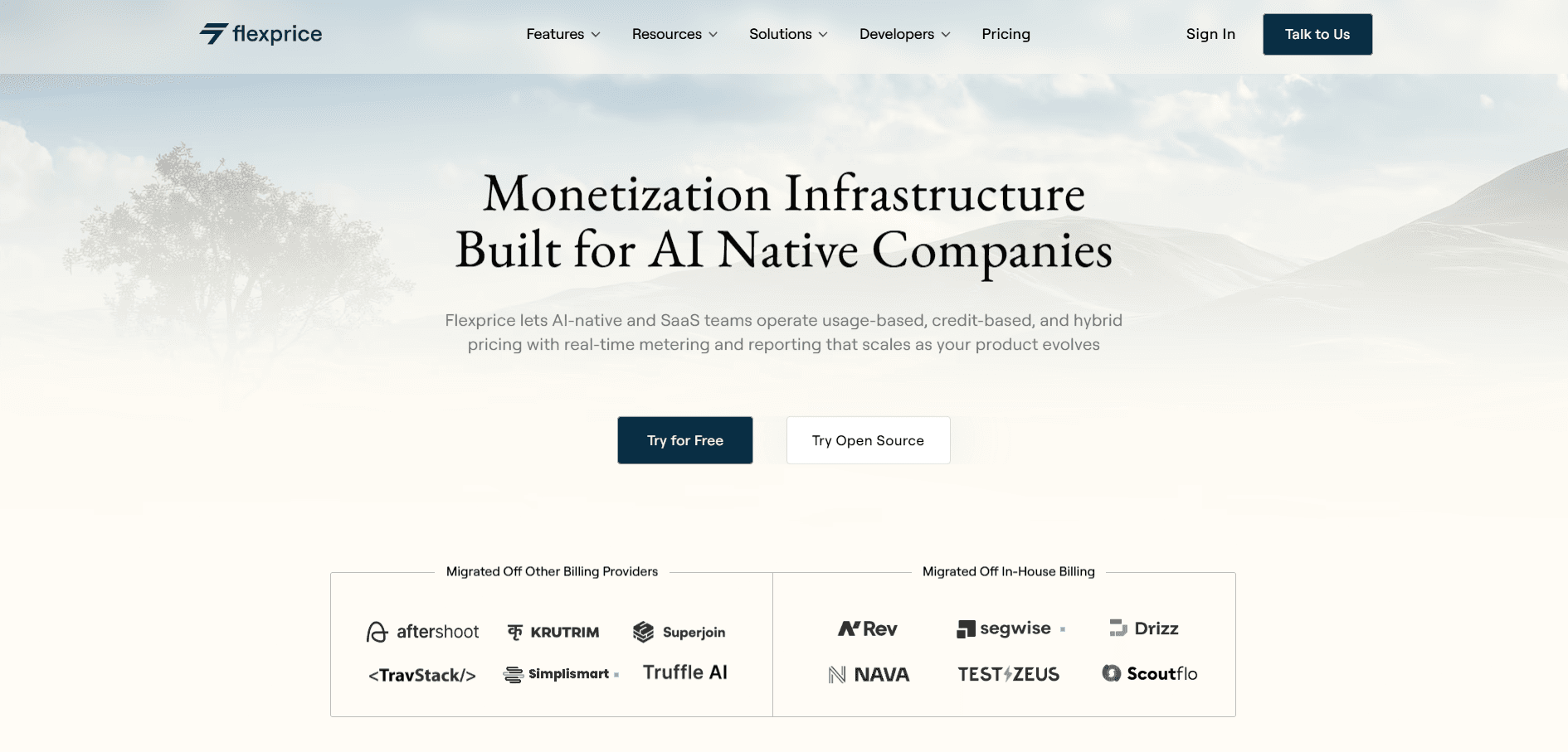
Flexprice is an enterprise-grade, subscription management and billing software that is built for AI-native, API, and usage-based SaaS companies.
It pulls real-time event metering, a flexible pricing engine, credit wallets, and feature entitlements into one system. You launch and iterate on pricing without stitching six tools together. And not just that you can also just prompt your ideal pricing page and we will create everything for you without you having to enter details manually every time!
I know, it sounds too good to be true!
You can run Flexprice as a managed cloud product or self-host the open source core on your own infrastructure.
The metering engine runs on Go and Kafka, processes 1M events per second, and handles billions of events every month. That makes it a strong fit for AI workloads where every token, GPU-second, and API call matters to your margin.
AI companies use it to bill on tokens, minutes, requests, GPU time, or any custom event their product emits. It covers the widest range of pricing models in this list (subscription, usage, credit, and hybrid) without forcing you to choose between flexibility and shipping speed.
Key features
Real-time event ingestion that streams every usage event into Flexprice as it happens, with no batch reconciliation at the month's end.
A hybrid pricing engine that lets you mix fixed fees, tiered usage, credit consumption, and overages inside a single plan.
Official SDKs for Go, Python, and JavaScript (Node.js), plus a complete REST API, so you can instrument usage events from any stack in minutes.
Credit wallets with auto top-up and expiration rules are useful when you bill in tokens or credits instead of raw usage.
Feature gating and entitlements you enforce in your app with one API call, no separate service required.
Self-hosted or managed cloud, so you start fast and move infrastructure later if you need to.
Prompt to plan is an AI assistant inside Flexprice that turns a plain English description of your pricing model into a complete billing configuration.
Customer self-service portal where users view subscriptions, invoices, wallet balances, and usage data on their own, with no support ticket required.
Native Stripe and Razorpay integrations handle payment processing, failed payment webhooks, and retry flows, so you do not build them yourself.
Pros and cons
Pros:
Deepest support in this list for usage-based, credit-based, and hybrid pricing.
Open source plus cloud keeps your options open.
Active community and a fast shipping cadence.
Built-in revenue analytics so you skip the separate BI tool.
Cons:
Although managed cloud is available but if you choose to self host, then it needs Kafka and Go familiarity for production deployments.
Pricing
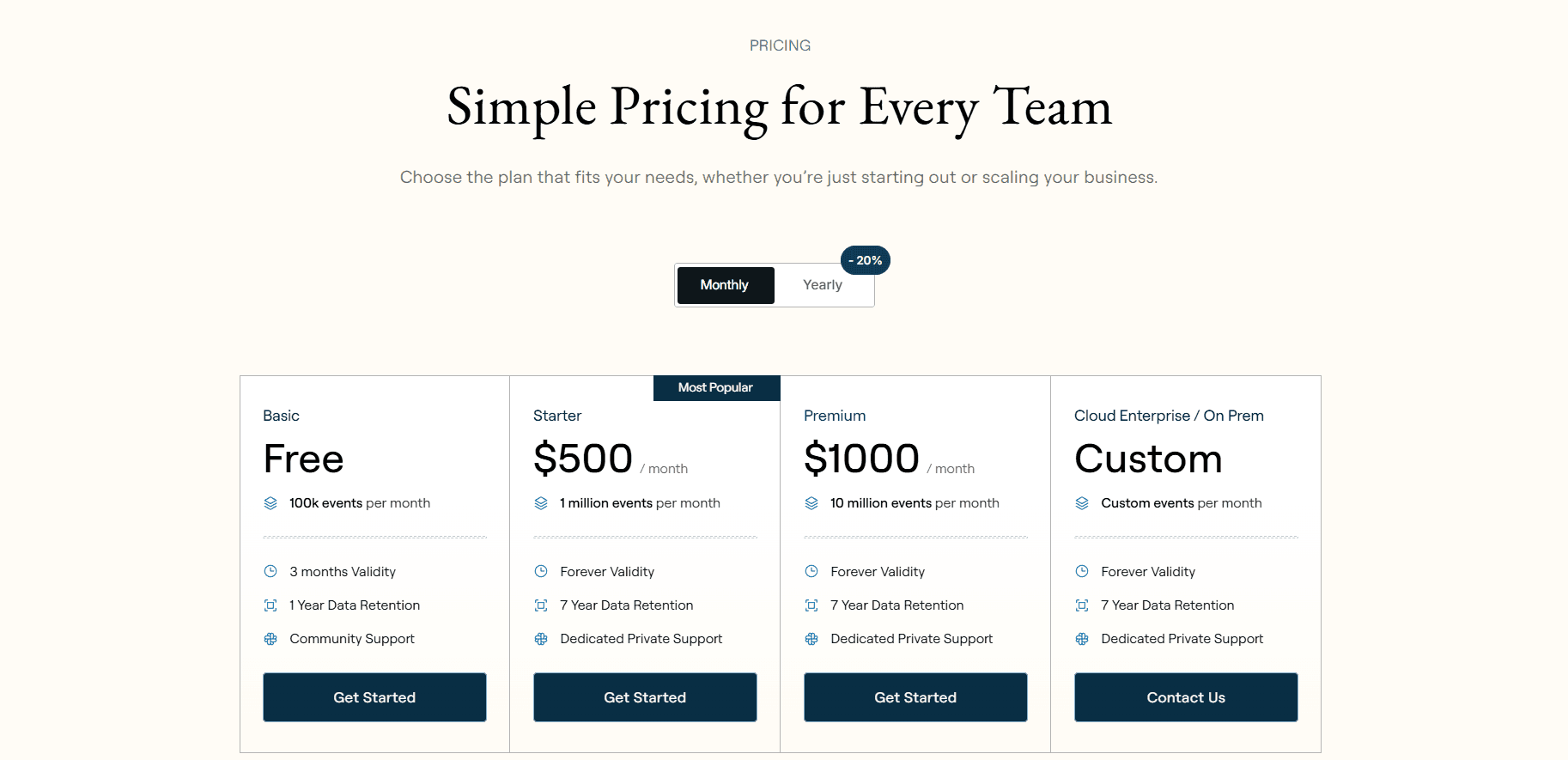
Flexprice has 4 pricing plans
Basic- free- 100k events per month
Build- $500 / month with 1 million events per month
Scale- $1000 / month with 5 million events per month
Mission critical- custom
2. Kill Bill
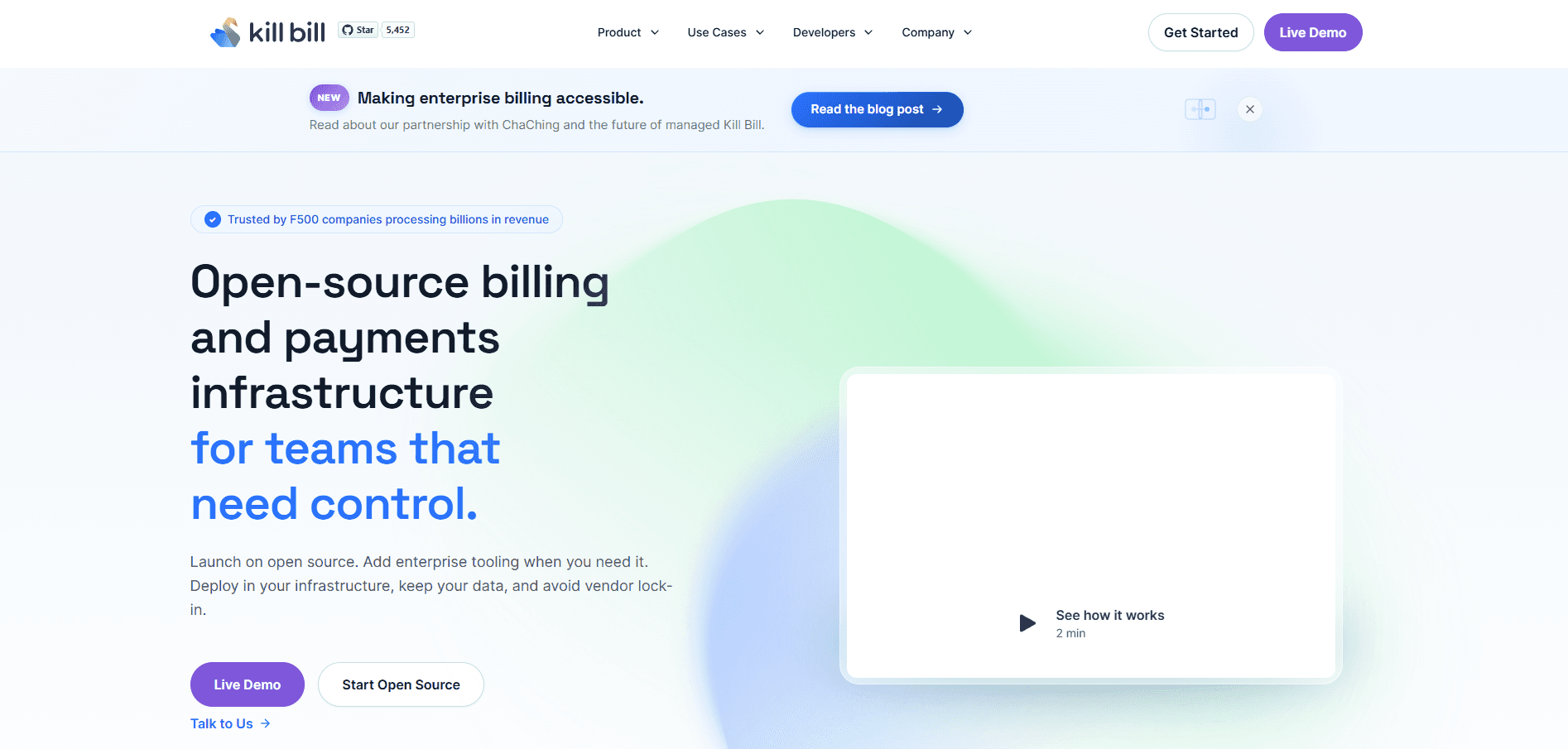
Kill Bill is an open source subscription billing platform, with 15+ years in production at companies from growth-stage startups to Fortune 500 enterprises.
You self-host it, define pricing in a versioned XML catalog, and extend it through Java plugins. It fits teams that want full control over billing, predictable costs, and the engineering capacity to operate it.
It does come with trade-offs. Catalog XML and the Java plugin SDK have a real learning curve, and pricing changes ship through code and config rather than a quick UI flip. The team itself does not run a managed cloud, so you either own the stack or hand it off to a partner like Aviate or ChaChing. Credit wallets and multi-metric metering for AI and usage-based workloads sit outside the core, which means more engineering work to add them in.
Key features
Catalog-driven pricing where plans, trials, tiers, and add-ons live in a versioned XML file, so pricing changes do not ship through code deploys.
Multi-phase subscriptions with native trial, discount, and evergreen phases, plus add-ons, proration, and entitlements.
Plugin architecture for payments, invoicing, and catalog logic, with native integrations for Stripe, Adyen, Braintree, and PayPal.
Enterprise controls, including RBAC, audit logs, encryption, and full event history for SOC 2 and PCI-DSS compliance.
Multi-tenant and white-label support, used by platforms running thousands of customer brands on one Kill Bill core.
Pros and cons
Pros:
Trusted by Fortune 500 finance teams.
No per-transaction or revenue-share pricing, so costs stay predictable.
Deep customization through plugins and the declarative catalog.
Cons:
Steep learning curve. Catalog XML and the plugin SDK are not beginner-friendly.
Kill Bill is a JVM application, so there are times when you might not be comfortable using this
Pricing changes ship more slowly than on newer platforms.
No managed cloud from the Kill Bill team itself.
Pricing
Self-hosted open source core: Free, Apache 2.0 license, you own the stack.
AWS Marketplace deployment: Around $40/month software fee plus your AWS infrastructure costs.
Aviate software tiers (Entourage, Growth, Flock, Finance): Flat annual fees, contact sales.
Enterprise support and ChaChing hosted platform: Pricing on request.
3. Lago
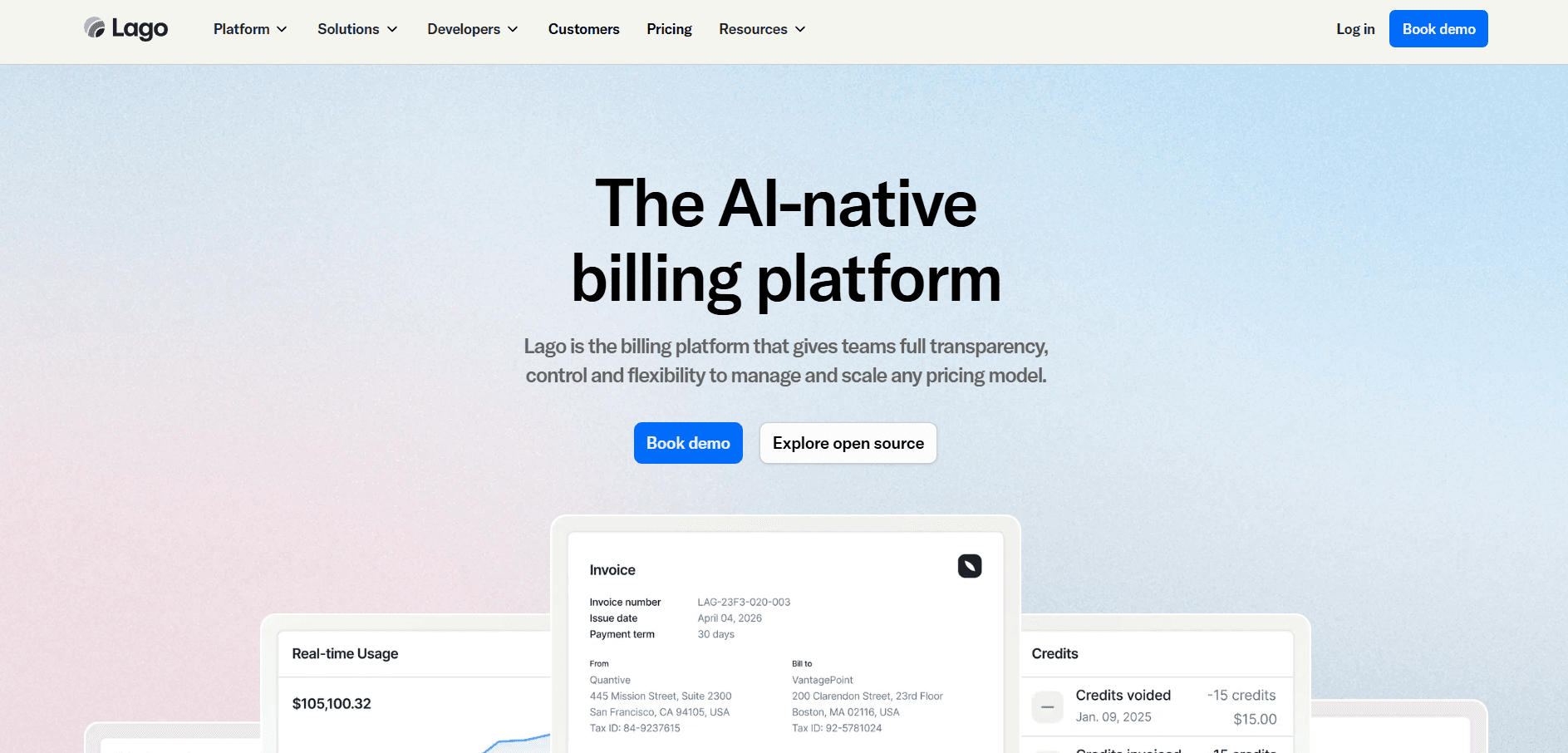
Lago is an open source subscription and usage-based billing platform that has gained traction with mid-market SaaS, AI, and fintech teams. It focuses on metering, usage-based pricing, and a clean developer experience.
You self-host it under AGPLv3 or run it on managed cloud, and Lago stays payment-agnostic with REST API integrations to Stripe, Adyen, GoCardless, and others. Series A and B SaaS companies that want clean APIs and fast time to ship tend to land here first.
It does have its limits. Credit wallets, multi-metric AI workloads, and hybrid pricing that layers overages with credit consumption are still maturing on the platform. The AGPLv3 license can be awkward for closed-source commercial deployments, and Lago has moved both Business and Enterprise plans to contact-sales pricing, so you cannot self-serve the cloud product anymore. Straightforward subscription plus simple usage tiers fit well here.
Key features
Metering and usage-based billing where you define meters per event type, aggregate them in real time, and roll usage into invoices.
Subscription management with plans, trials, prorations, and lifecycle events that work out of the box.
Pricing iterations you ship without breaking existing subscriptions, useful when you experiment with plans.
Payment orchestration that connects any provider, so you avoid lock-in to one processor.
Built-in revenue analytics for MRR, churn, ARPU, and usage-based revenue trends.
Pros and cons
Pros:
Clean developer UX praised across the open source billing community.
Both self-hosted and managed cloud paths, so you switch as you grow.
Good fit for mid-market SaaS with simple to moderate usage-based pricing.
Cons:
Less depth on credit wallets and multi-metric AI workloads.
AGPLv3 can create friction for closed-source commercial deployments.
Both Business and Enterprise cloud plans are now contact-sales only, so you cannot self-serve the cloud product anymore.
Repeated user complaints about slow support, with response times often stretching to weeks.
Most of the genuinely useful features sit behind paid tiers.
Pricing
Self-hosted open source: Free under AGPLv3, no usage limits.
Cloud Business: Contact sales (for established businesses with business-critical needs).
Cloud Enterprise: Contact sales (high-volume orgs needing customization, 24/7 support, and self-hosted deployment option).
Lago has moved away from public cloud pricing. Both Business and Enterprise are quote-based now.
4. OpenMeter (now Kong Metering & Billing)
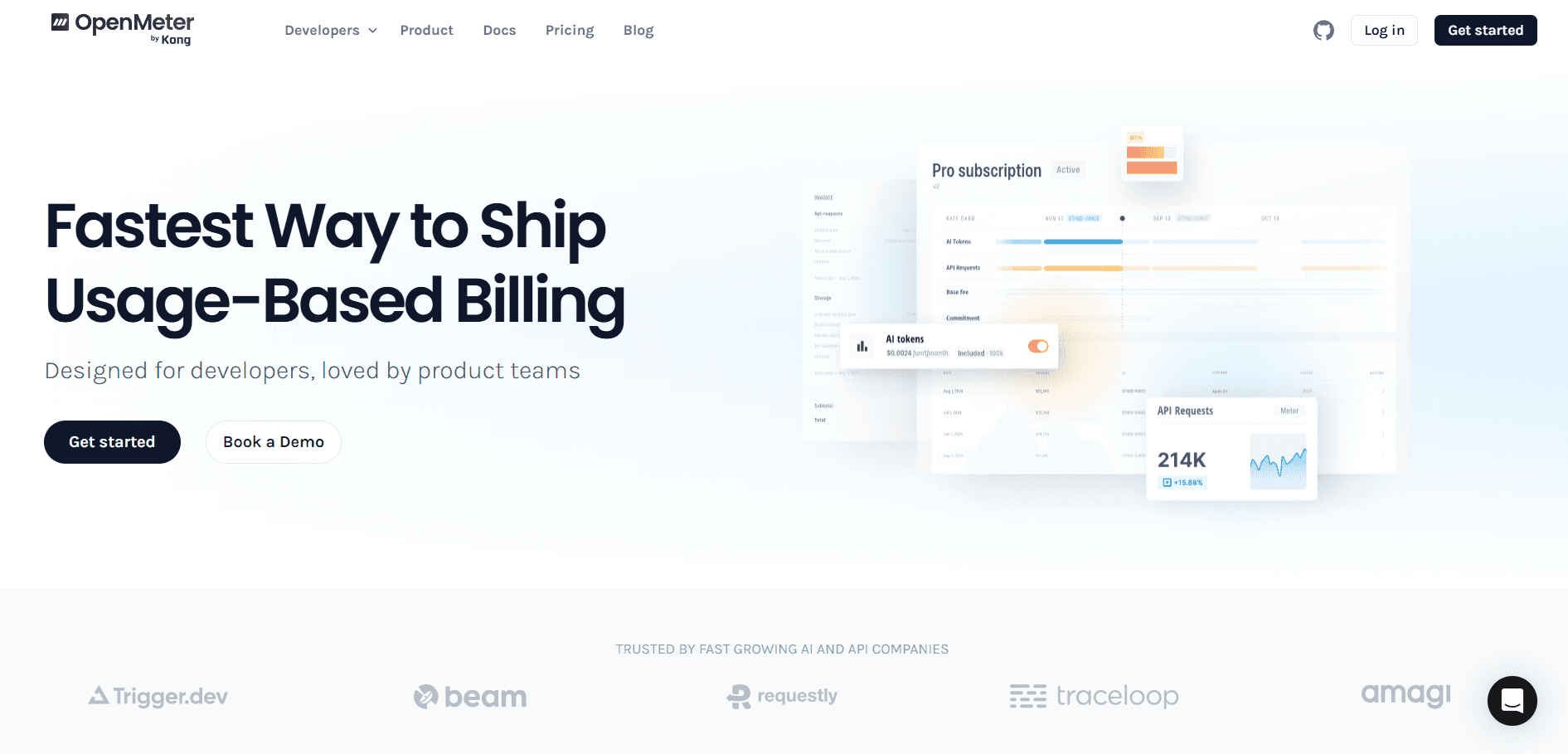
OpenMeter is a billing platform that became part of Kong in 2025.
The cloud product now lives inside Kong Konnect as Kong Metering & Billing, while the open source core stays available on GitHub. AI, API, and DevOps teams use OpenMeter to ingest high-volume usage events and turn them into billable data, with SDKs for Node.js, Python, and Go. If you already run Kong for API management or AI gateway use cases, it slots in naturally and saves you the work of building event pipelines from scratch.
It is not a full billing platform, though. You still need separate logic for invoicing, dunning, subscriptions, credit wallets, and customer portal flows. Think of it as the meter, not the cash register. Now that the roadmap lives inside Kong Konnect, priorities will likely tilt toward Kong's broader API and AI gateway use cases rather than standalone OpenMeter users.
If you are not already on Kong, you stitch together more pieces than you would with an end-to-end platform.
Key features
Real-time event ingestion in CloudEvents format, with high throughput suited to API and AI workloads.
SDKs for Node.js, Python, and Go, plus a REST API for custom integrations.
Subject-level usage queries per customer, organization, or API key, useful for entitlements and quota enforcement.
Native Kong Konnect integration for no-code product catalogs and rate cards inside the Kong stack.
Pros and cons
Pros:
Fast, lightweight metering layer purpose-built for high-volume events.
Open source core stays free and self-hostable on GitHub.
Strong fit for teams already on Kong.
Cons:
Not a full billing platform on its own.
You still need separate logic for invoicing, dunning, and subscription management.
The roadmap now lives inside Kong Konnect, which may shift priorities away from standalone OpenMeter users.
Pricing
Open source: Free, self-hosted from the OpenMeter GitHub repo.
OpenMeter Cloud: Continues operating as is until mid-2026, then migrates to Kong Konnect.
Kong Metering & Billing: Add-on inside Kong Konnect, additional charge on top of base Konnect plans, pricing on request.
Kong Konnect is modular. You only pay for the products you use, but specific Metering & Billing tiers are not published.
How to choose the right subscription management tool
Pick the tool that matches how you charge today and where you are heading next.
If you run an AI, API, or usage-based SaaS company, go with Flexprice. Real-time metering, credit wallets, and hybrid pricing in one platform mean you launch fast and iterate without rebuilding billing every quarter.
If you run a large enterprise with a strong engineering team, go with Kill Bill. You get full control and a 15-year track record at Fortune 500 scale.
If you run a mid-market SaaS team with simple usage-based needs, go with Lago. You get a familiar SaaS billing model with usage-based extensions and a clean API.
If you only need a metering layer that feeds into your existing billing stack, go with OpenMeter (Kong Metering & Billing). It is lightweight, real-time, and easy to plug in.
Final thoughts
Subscription management is no longer a back-office function. It is where your pricing strategy meets your product reality.
The right tool depends on your business model. Most growing SaaS and AI teams will outgrow flat-fee billing fast in 2026. If you are exploring usage-based or hybrid pricing, start with Flexprice for free or book a demo with our team.
What is the best subscription management software for SaaS in 2026?
Which is the best Stripe or Chargebee alternative for usage-based and hybrid pricing?
What is the best open-source subscription management tool?
Which subscription management tool is best for AI companies?
Do these subscription management tools support usage-based, credit-based, and hybrid pricing?